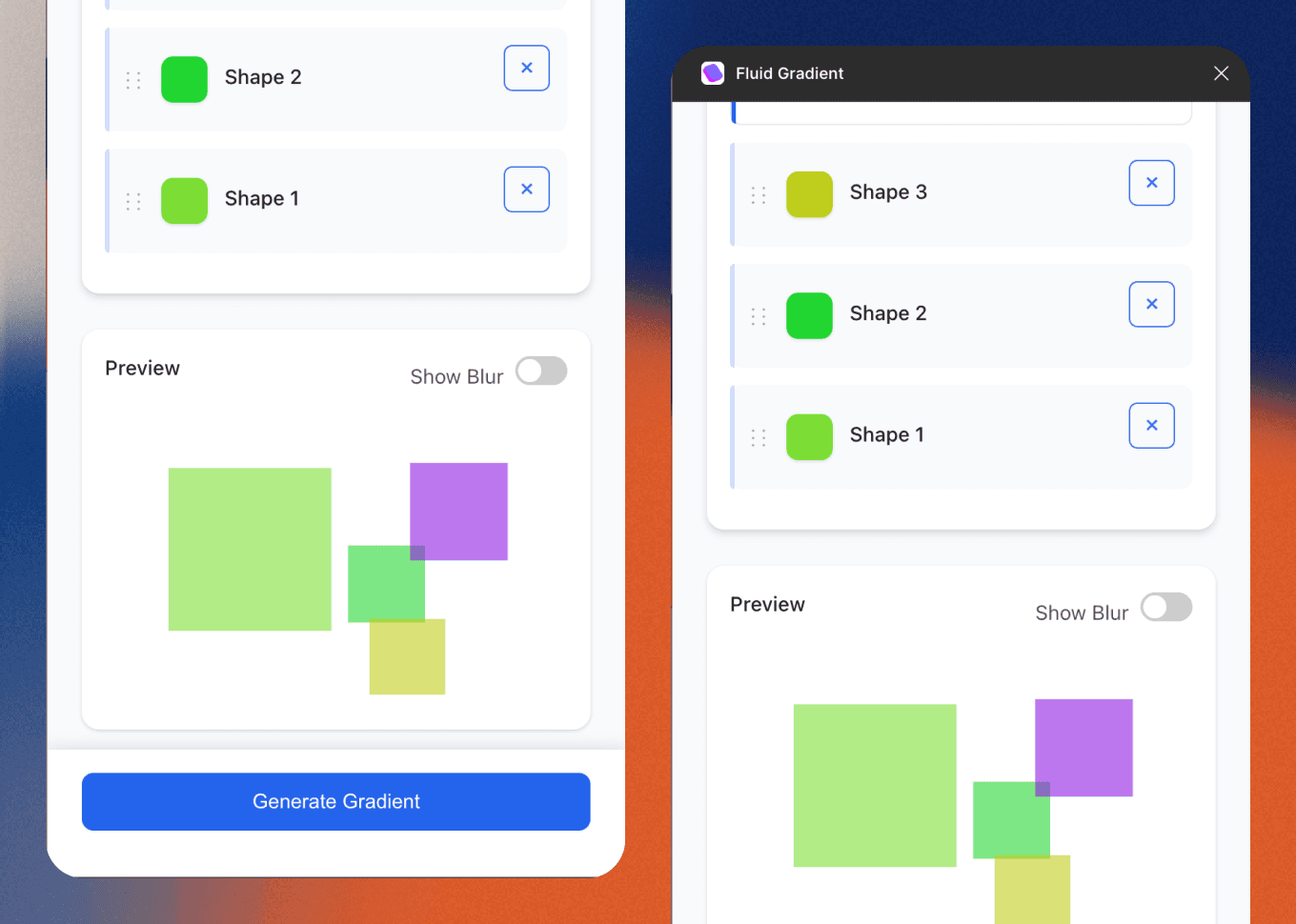
Design tools for desginers
figma plugin
Roll
Designer | vibe coder
Overview:
Design isn’t just about pixels — it’s about removing blockers. As a designer, I often found myself repeating tiny tasks that pull focus from the bigger picture. That’s what led me to start building my own Figma plugins — small tools designed to smooth out friction and bring clarity (and fun) back into the process.
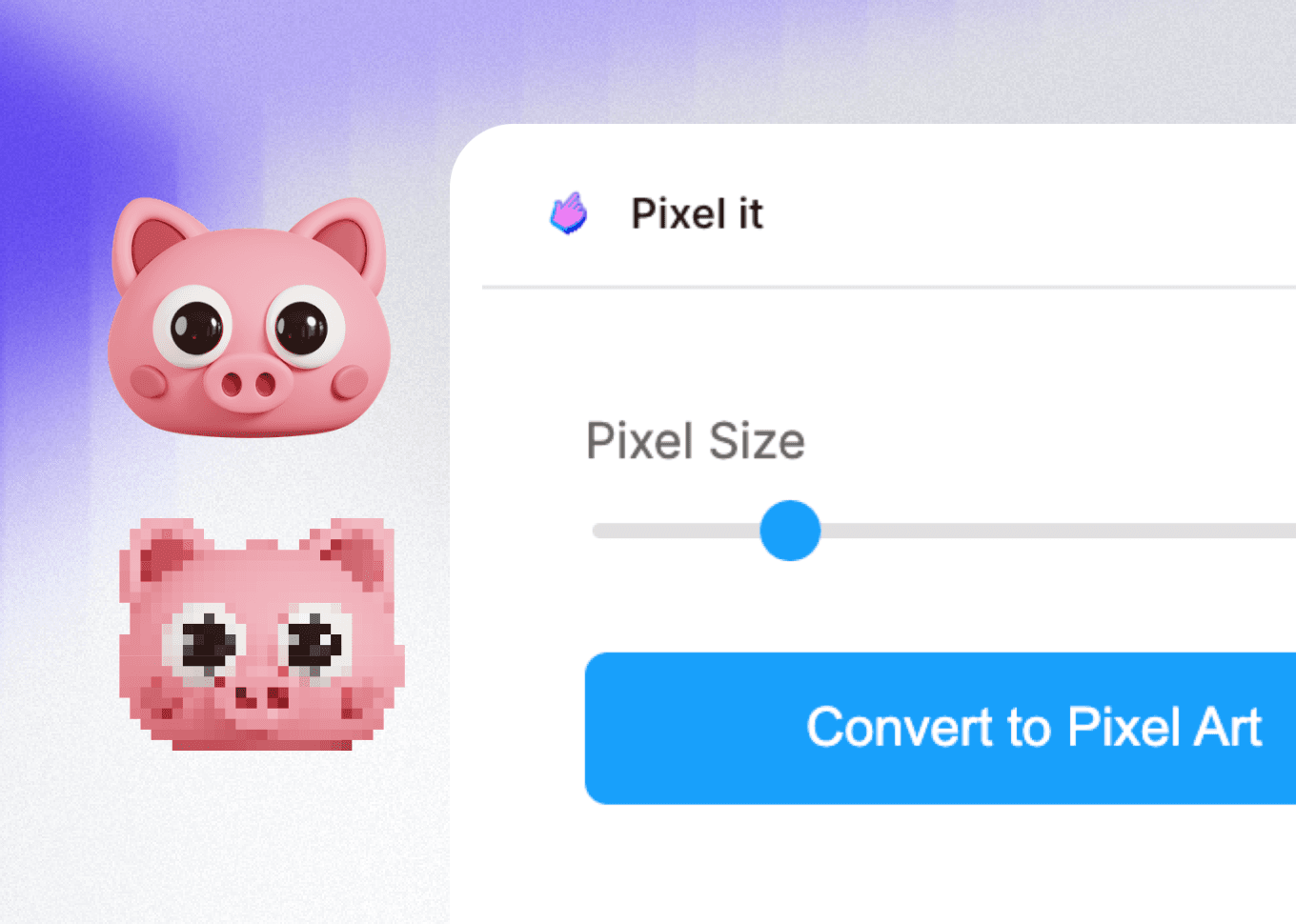
The Gaps I Noticed in My Workflow Made Me Think about creating tools for myslef and designers with same issue!
My Journey with No-Code and AI Tools
I started with some basic coding knowledge, but I had never built a full platform on my own. The rise of AI tools changed everything—I realized I didn’t need to be an expert coder. Instead, I could focus on what I do best: identifying problems and designing solutions for users.
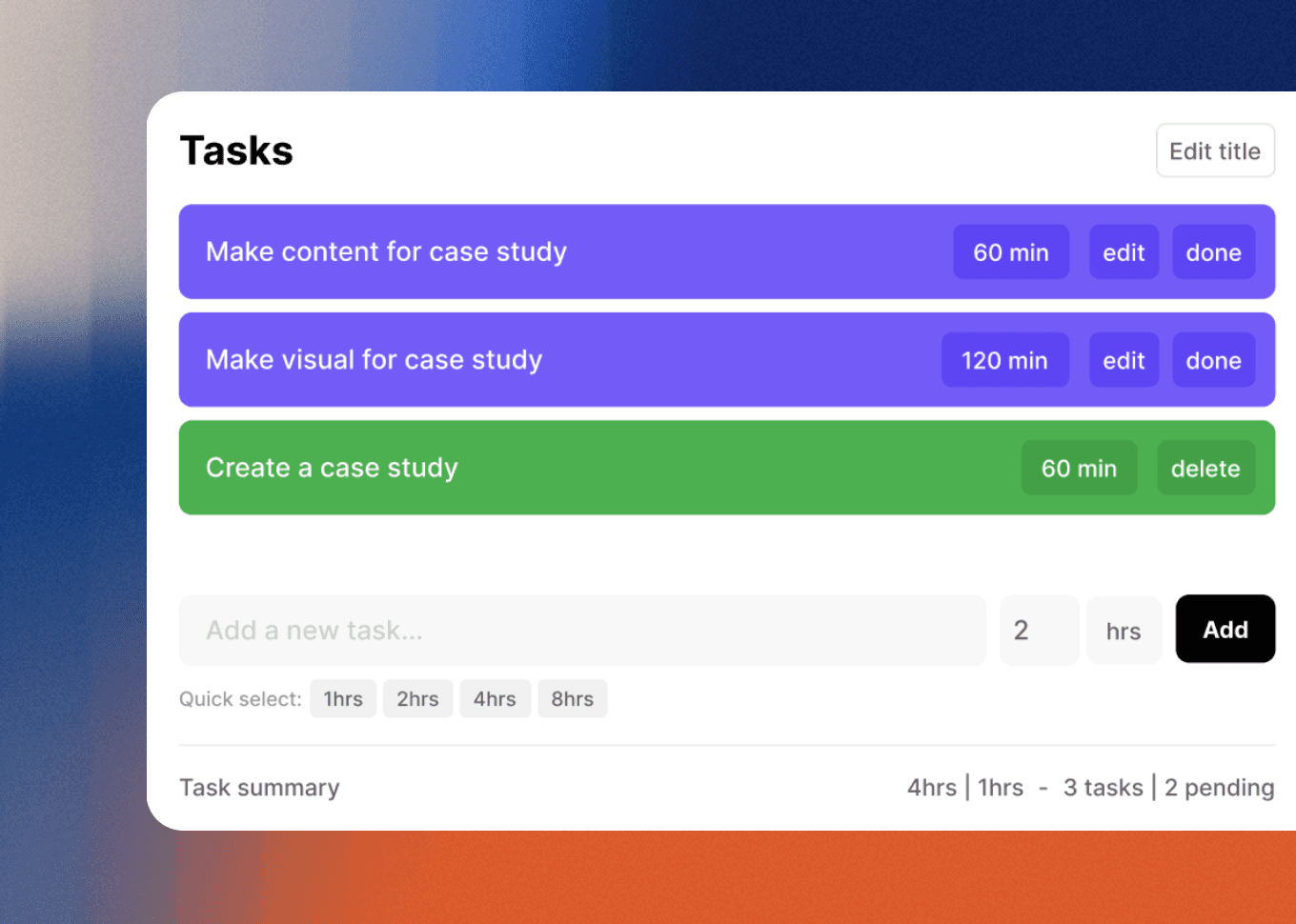
My process always begins with a simple question: “What should this tool do, and what kind of design flow should it support?” For example, when working on a task management plugin, I start by mapping out user needs, desired features, and the interface flow. This method became my gateway to building with no-code and low-code solutions.
Once I have a clear idea, I list all the features and requirements the plugin needs. I document these in a concise product requirements document (PRD) that’s easy to use across different AI platforms. Next, I ask Claude to expand on my ideas and provide feedback, treating AI as a collaborative coworker. I give it the context of a designer, product manager, and developer to help fill in any gaps.
After finalizing the PRD, I create a simple design to give the AI a visual reference for development. I use tools like Claude and Cursor to turn rough concepts into fully realized plugins. With Cursor and Model Context Protocol (MCP), I bring these ideas to life in code—testing each version in Figma to ensure the user experience is just right before publishing.
This process isn’t just about writing clean code; it’s about organizing my thoughts and translating design logic into functional systems. I spend time testing outcomes, refining prompts, and learning how to communicate my vision clearly.
After publishing each plugin, I share them with colleagues in the design field and ask for feedback. Their suggestions help me iterate and improve each tool, ensuring it continues to evolve and better serve users.